
Adding a user to an Organiastion
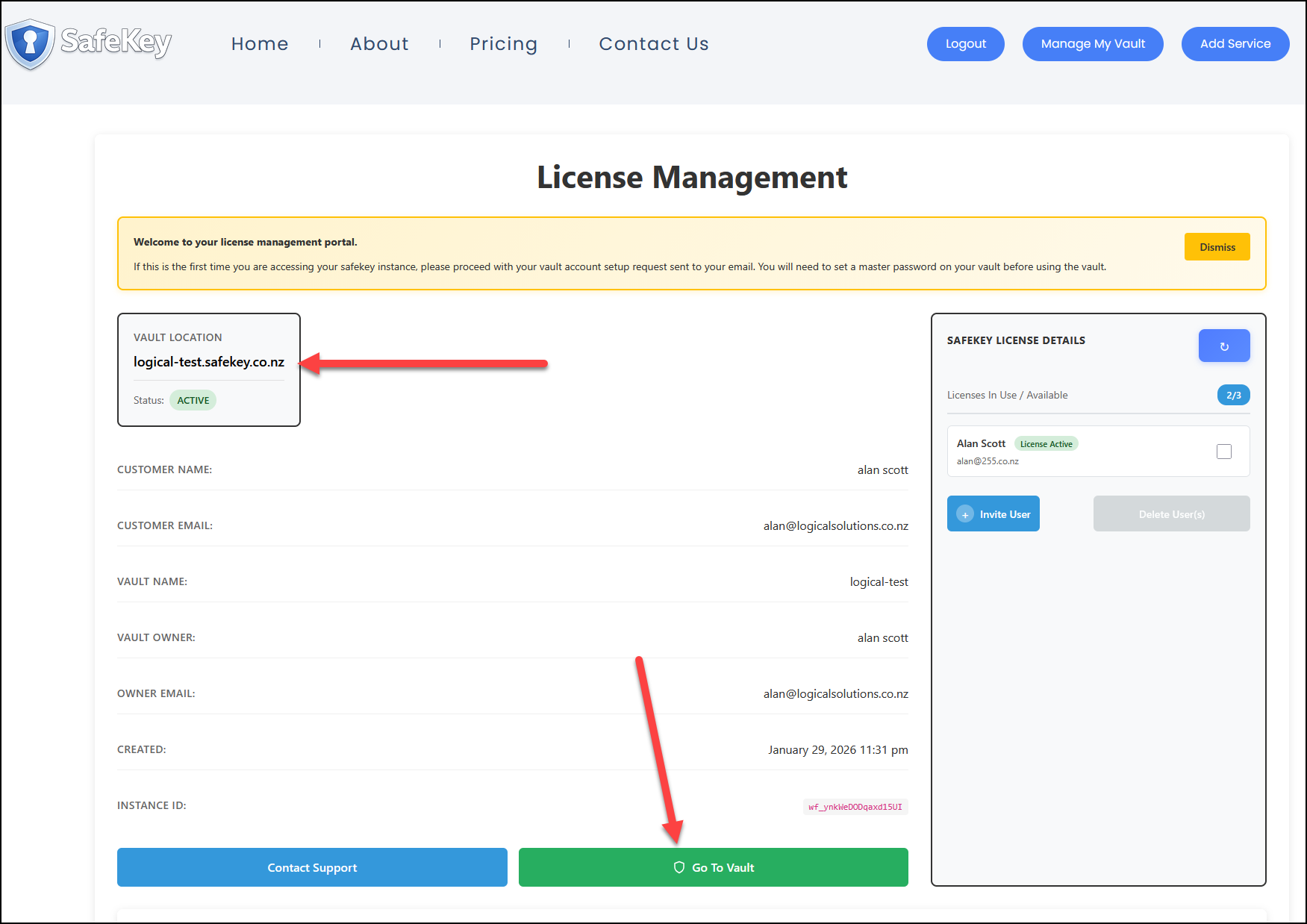
We now need to add a user to the organisation. Login to the Vaultwarden console (if you need help where to do this, connect to the license portal and use the link from there).
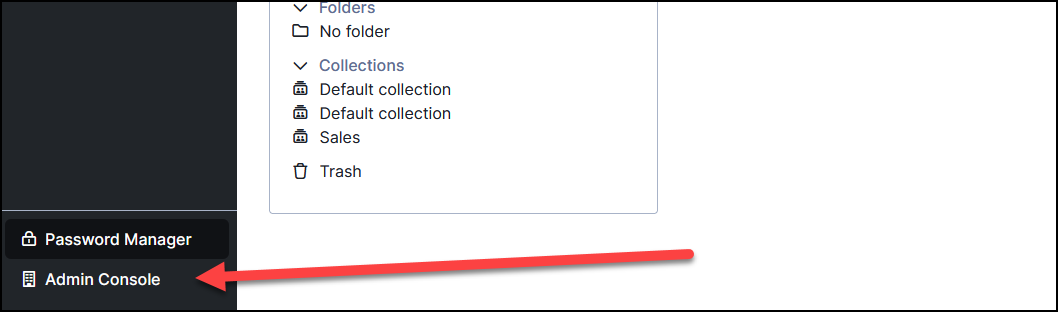
Log in to your vault and select the correct organisation via the "Admin Console"
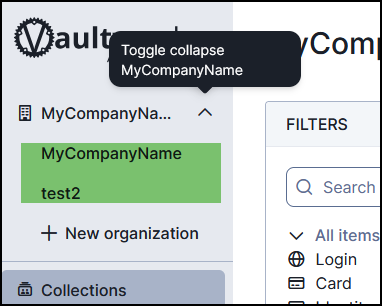
Then the organisation name.
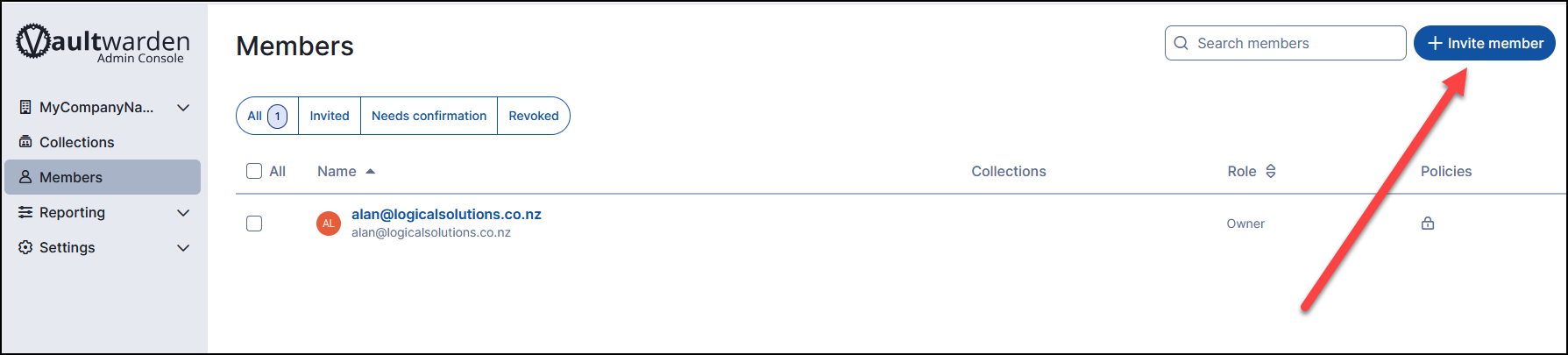
Add the email address of the user (as set up previously in the licensing portal) - assign a member role, in most cases, this will be "User"
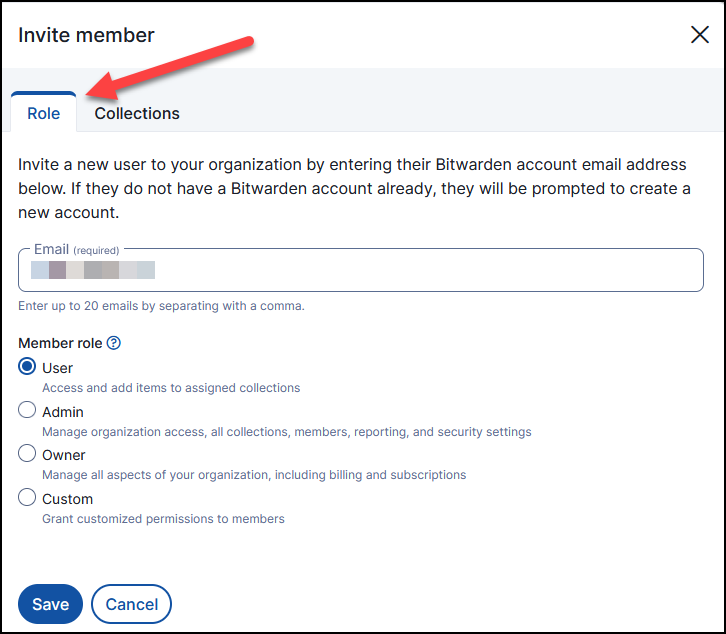
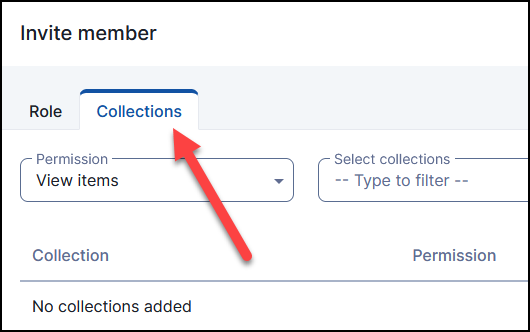
By default, the user will have "View" rights to all collections. These rights can be modified by selecting the "Collections" tab at the top of the form.
No Comments