Conceptual Information
Now that you have configured your SafeKey Vault and assigned the relevant licenses, the last step is to have your workstation device use the service.
The client installation on your workstation will depend on your preferences and the applications you have.
What is BitWarden?
Bitwarden is the client software used to access your Vault. There are many variations, and it is important to install the correct options that suit your devices.
In the first instance, a good place to start is your Web Browser. A web browser is the software used to access websites and is often what is used to access supplier portals. Bitwarden works as an "extension" to your local browser, and rather than pulling your passwords from the local browser cache (the default behaviour), it attempts to pull them from a central vault.
Each user in a Vault has two locations from which they can retrieve passwords. The first is your private password Vault. This is private to each user and is not a shared location with other users. The second being the Organisational vault. This is where passwords are shared from a corporate perspective. Within the organisational vault, security can be further broken down based on your organisation's requirements. A user can be a member of multiple organisations if required.
Web browser extensions exist for the following browsers:

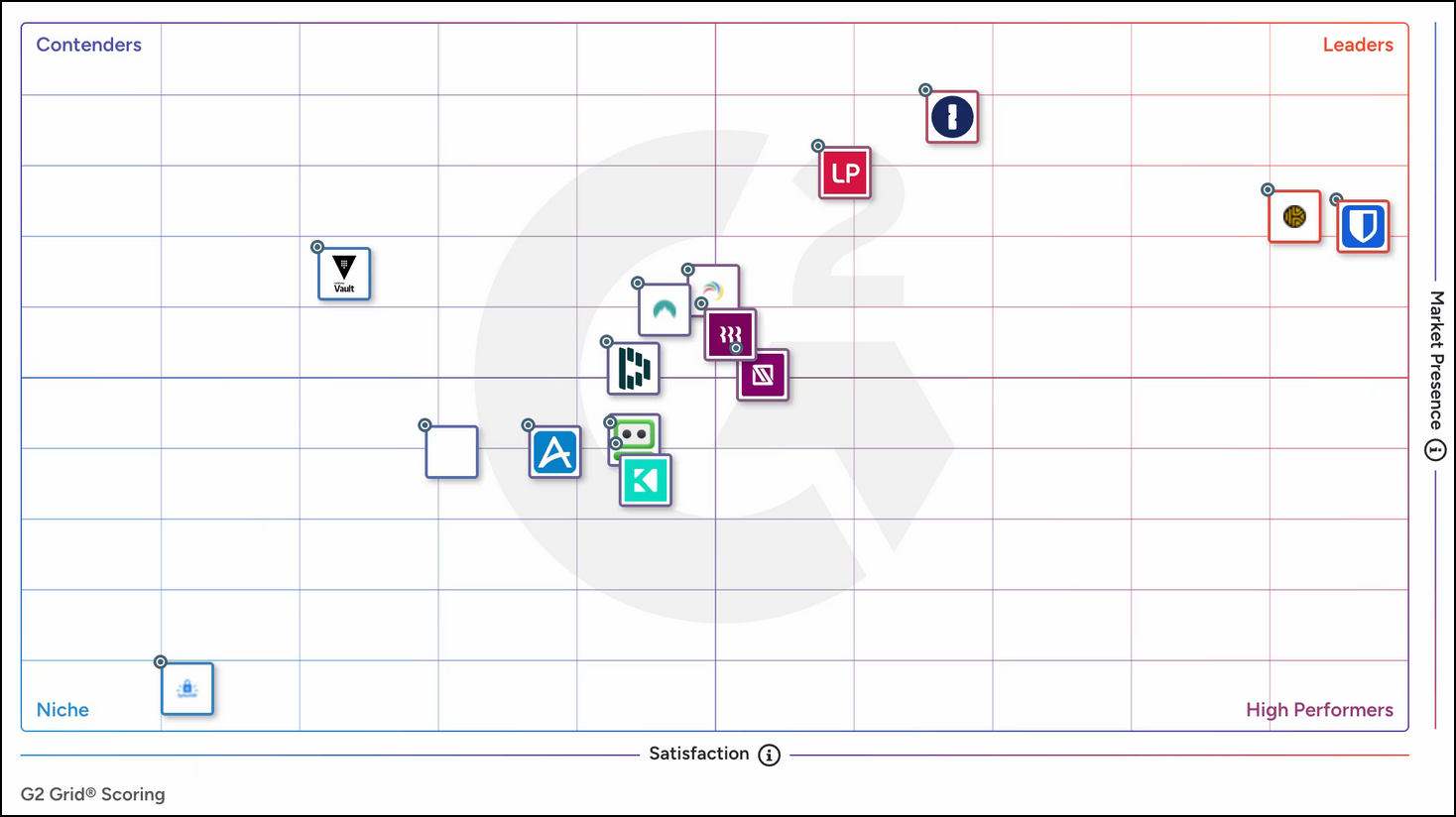
The #1 password manager for enterprise
Bitwarden achieved outstanding results in the Winter 2025 G2 Enterprise Grid report, solidifying its position as the #1 password manager for enterprises for the 9th time in the last 10 quarters.