Inviting New users to your Vault
For a user, joining SafeKey is a two-step process.
Step One - Joining the specific vault
Step Two - Joining an organisation
To join the Vault.
To invite users to the vault, a license must be issued to the new user. Log in to the Licensing portal: https://www.safekey.co.nz/login/
Using the credentials that you used to first set up the vault.
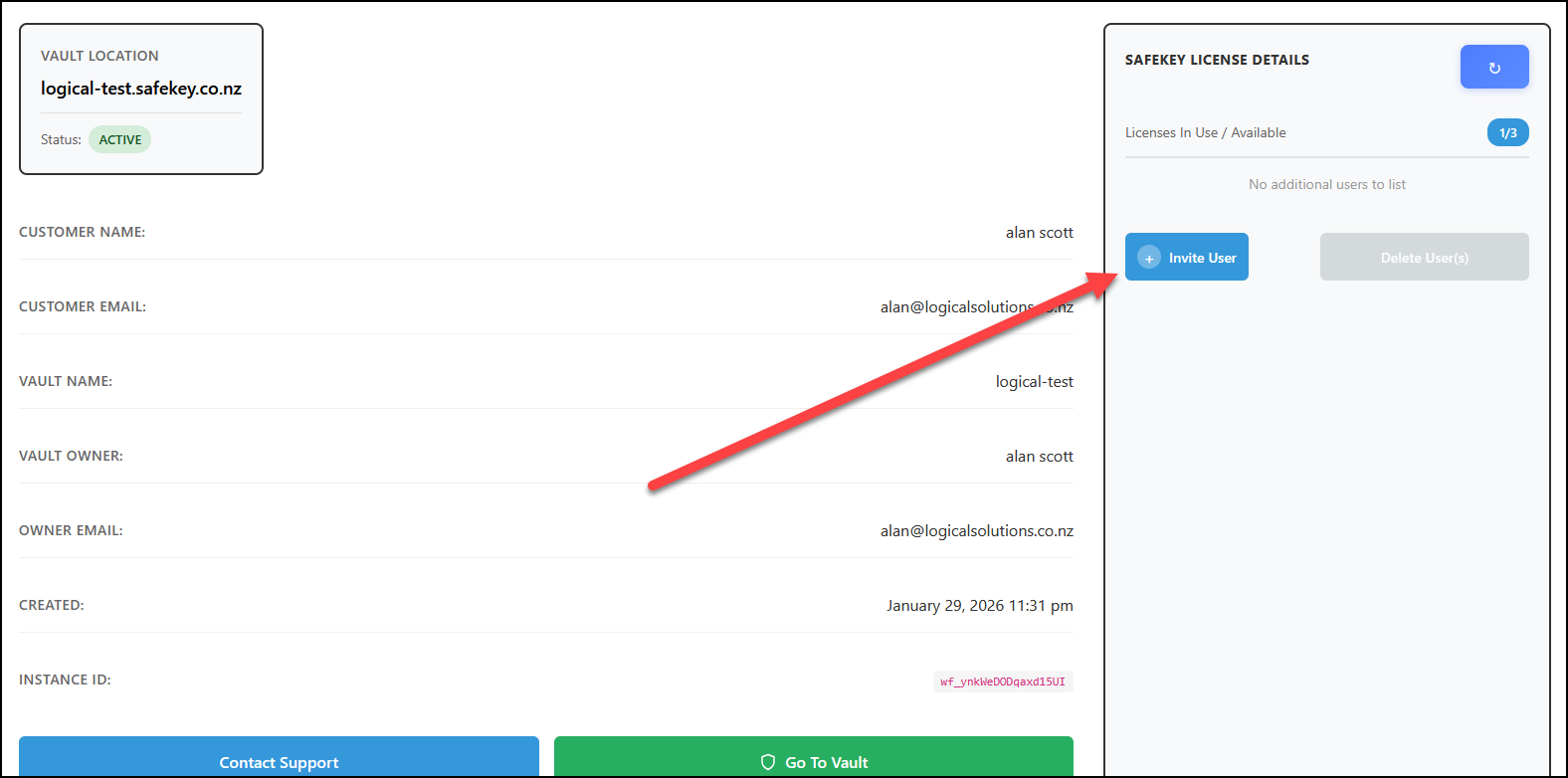
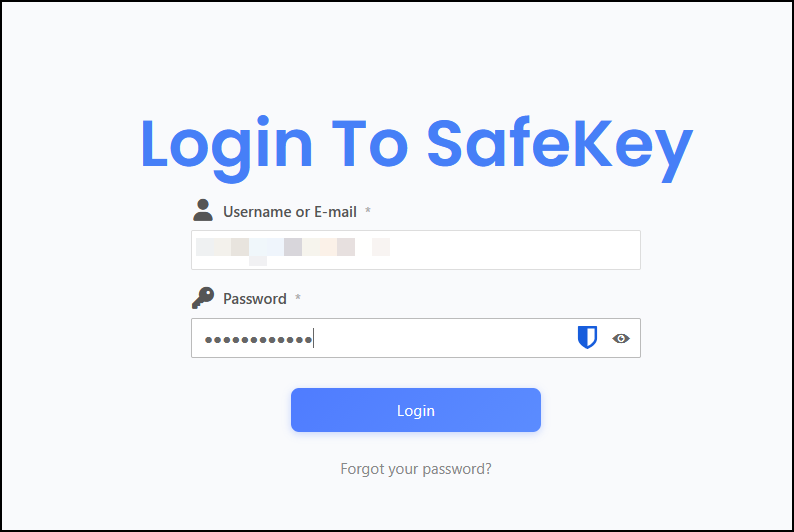 If you forgot your password, you can use the password recovery option under the login button. Once logged in, you should be faced with the "License Management" Summary page.
If you have available licenses, you can invite additional users; if you do not have licenses available, you will be prompted to add more licenses.
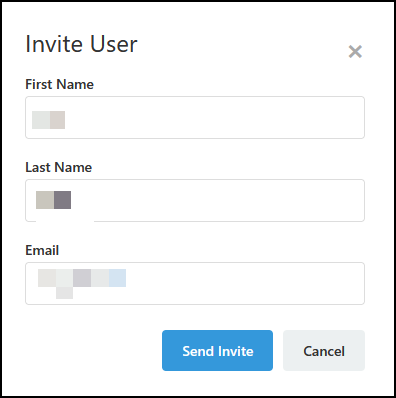
Enter the new user details and then click the "Send Invite" button.
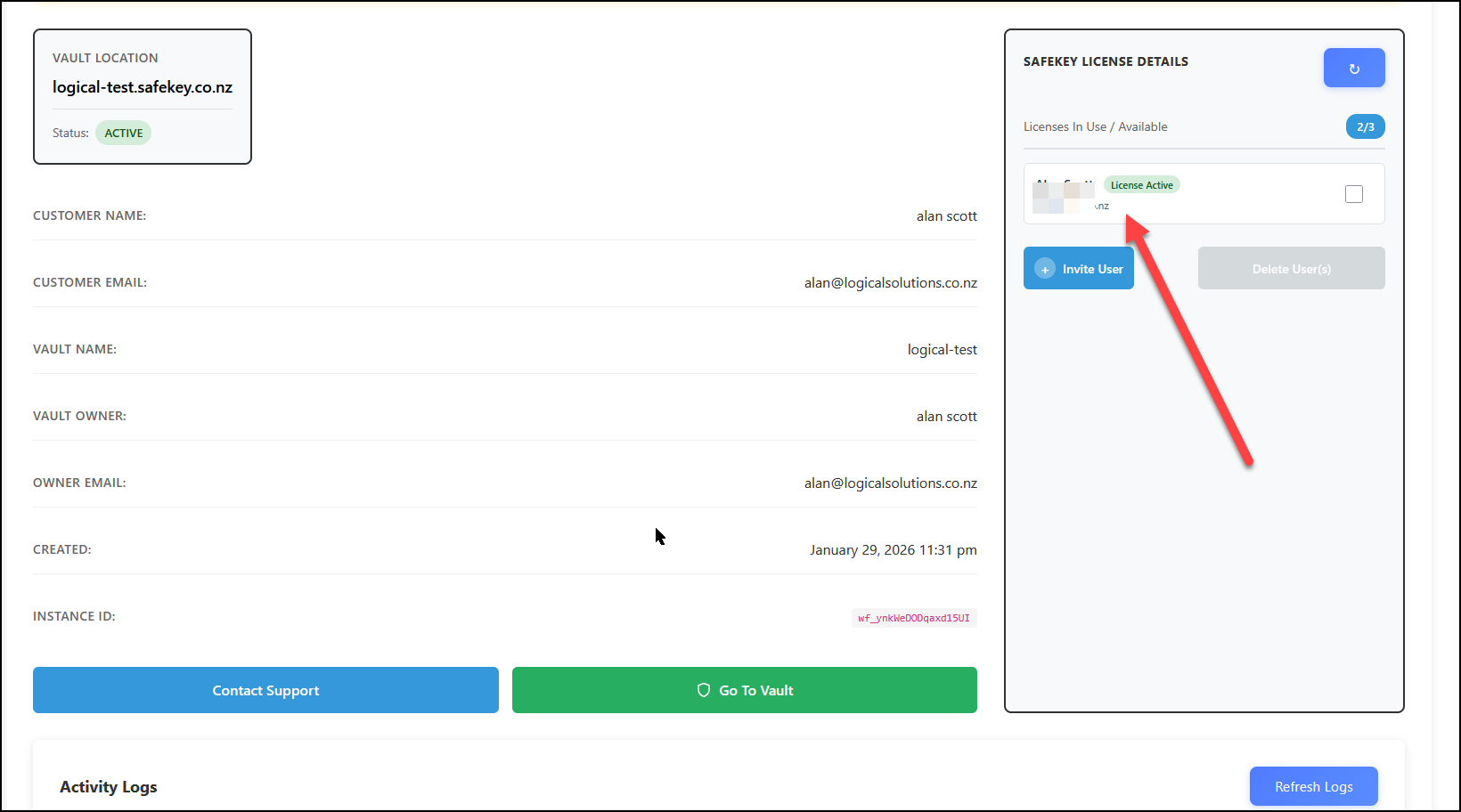
The new invite will now show up in your list of licensed users, and an email will be sent to them with the invitation.