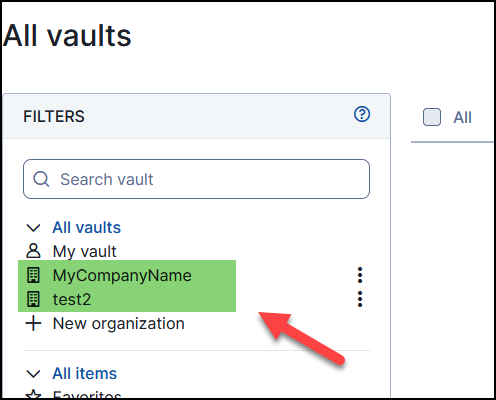
Creating Organisation(s)
We now need to configure an Organisation. Think of an organisation like your business identifier. Click on the "+ New Organisation" and enter the name for your organisation.
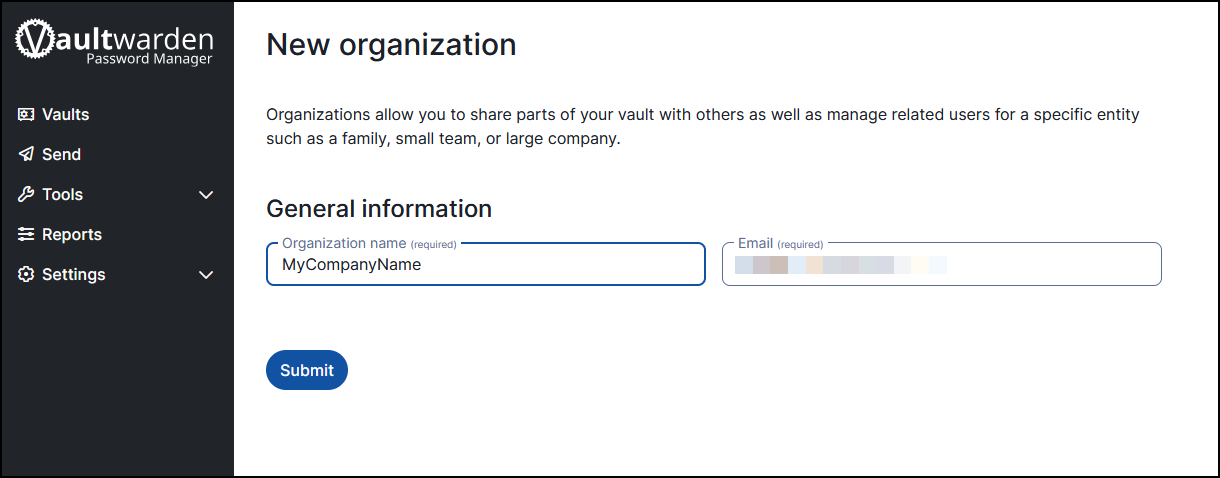
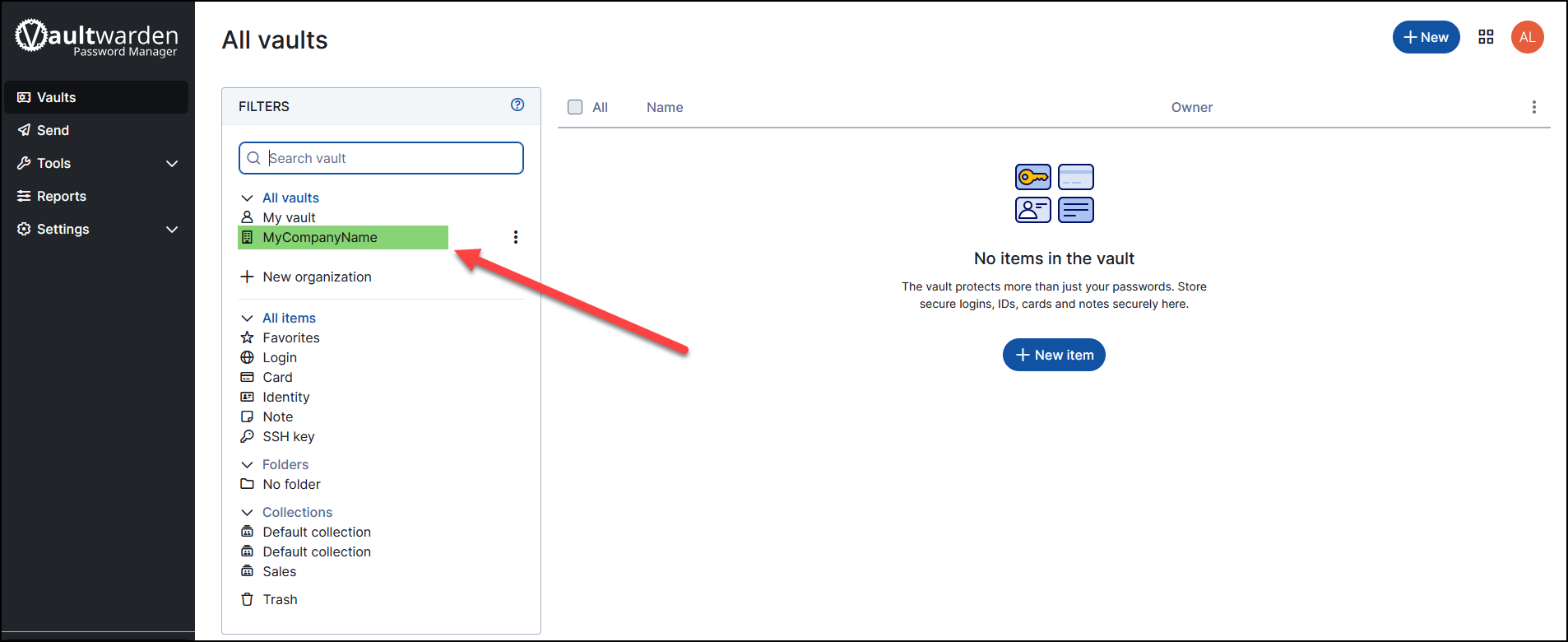
Click on Submit to create the organisation. You should now see the organisation appear in your Password Manager.
Each vault can contain multiple organisations. Repeat the above process to add additional organisations as required.