Creating Organisation(s)
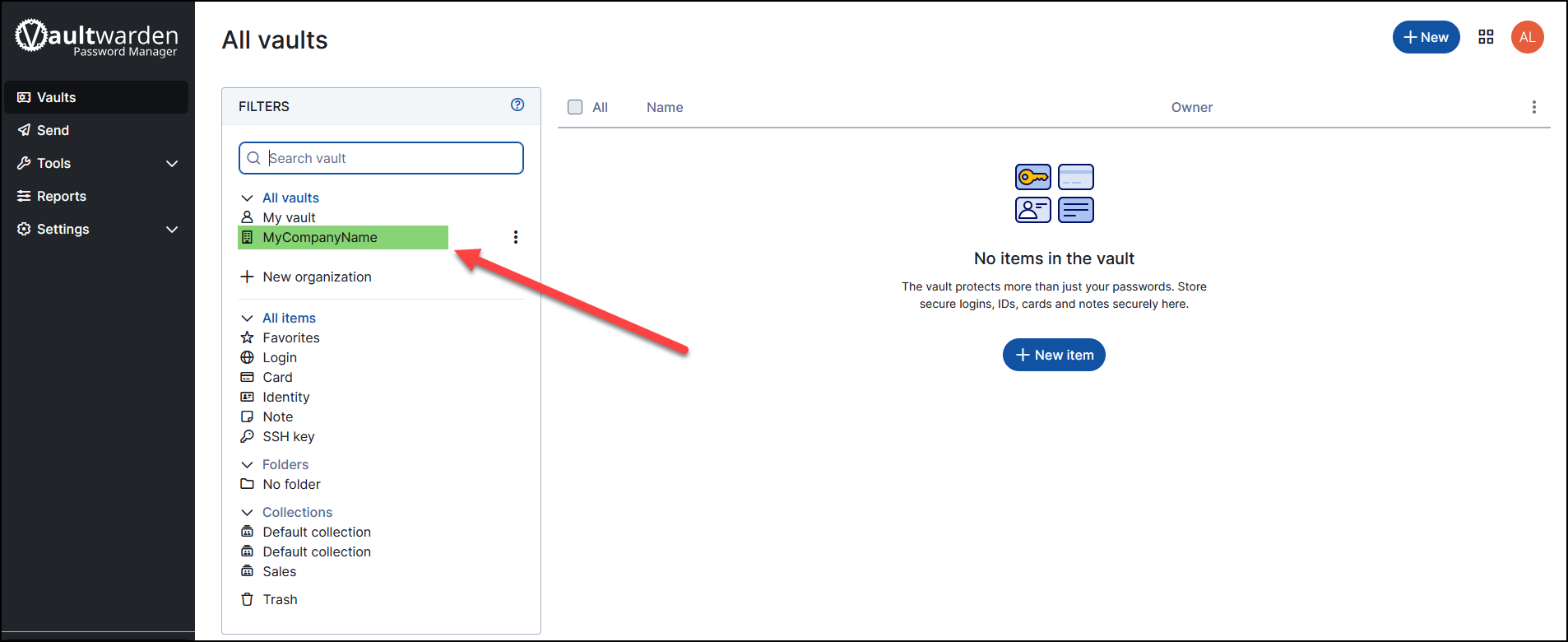
We now need to configure an Organisation. Think of an organisation like your business identifier. Click on the "+ New Organisation" and enter the name for your organisation.
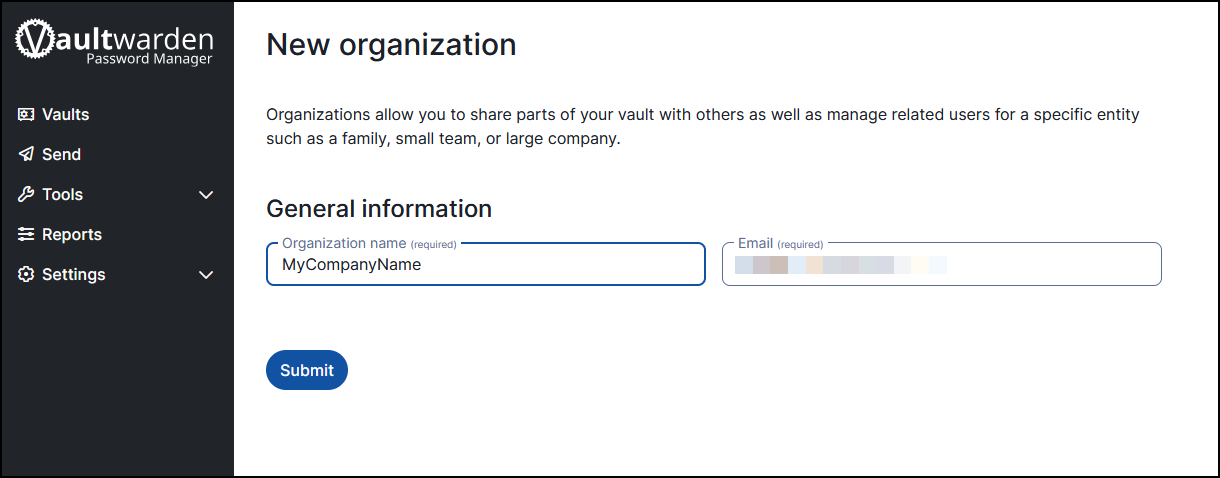
Click on Submit to create the organisation. You should now see the organisation appear in your Password Manager.