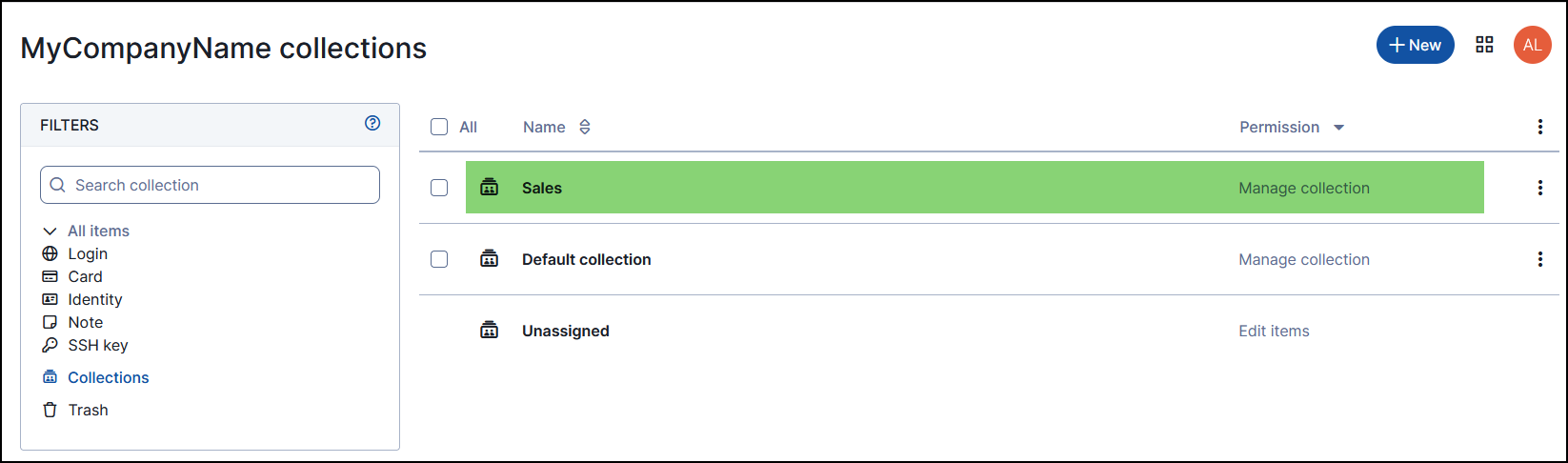
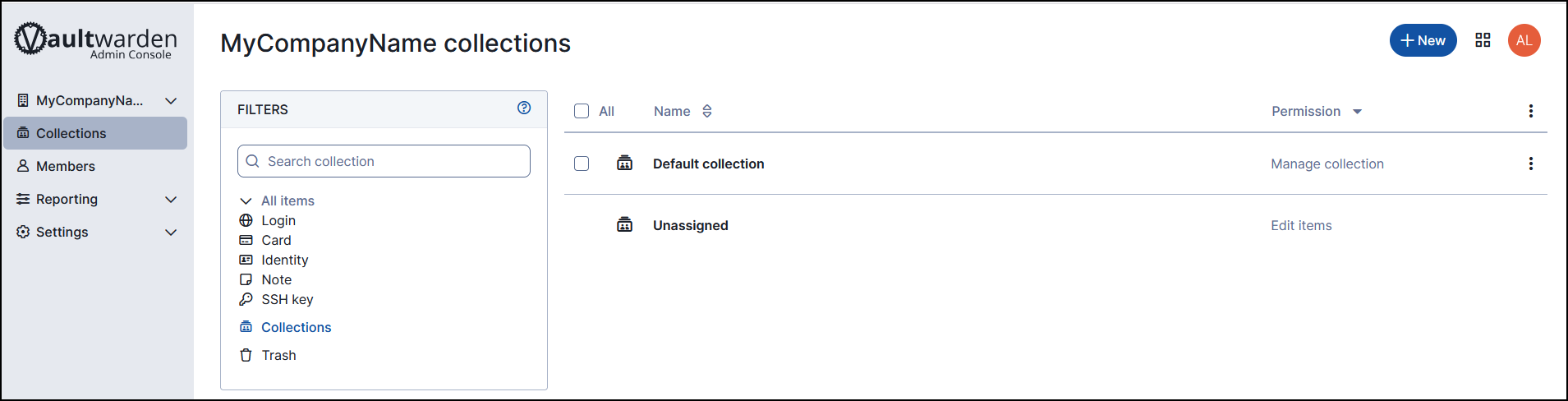
Creating Collection
Collections are used to decide what details to share with whom. While you can set individual rights for a user, the collection defines who has access to the passwords contained within that group.
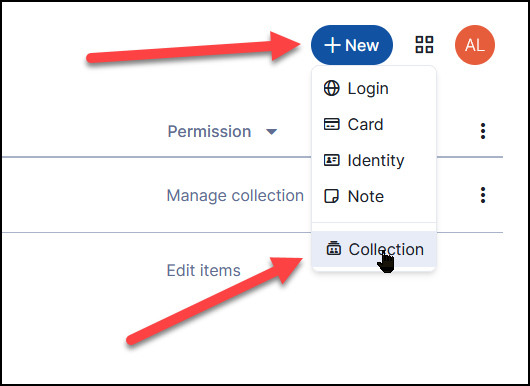
You can create additional connections by clicking on the "+ NEW" button on the top right-hand side.
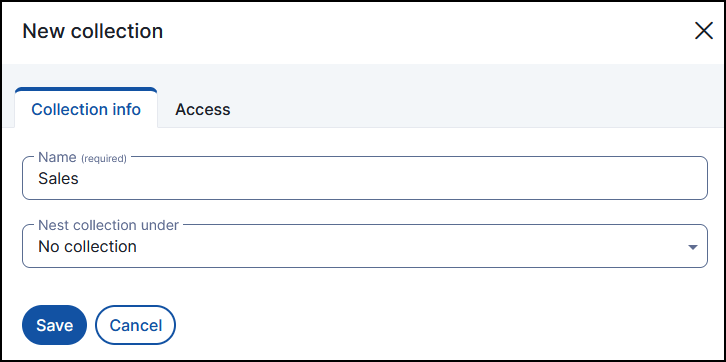
Give it a name and press "Save"
You should now see the newly created collection added to your list of collections.