
6. Setting Your Vault Master Password
You will now receive a further email. This email will invite you to log in and set a SafeKey master password. Every user must have a unique master password. Being the first user will make you the "Vault Owner"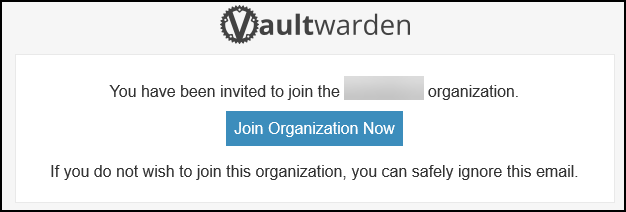
Create a MASTER Password and a hint for the new vault. Pay careful attention to these details. If they are lost, there is no recovery. If lost, the only action is to delete your vault and initialise a new one. This service is highly secure and built so that, even as your supplier, we have NO access to your passwords or accounts. This is why it is critical not to lose the master password.
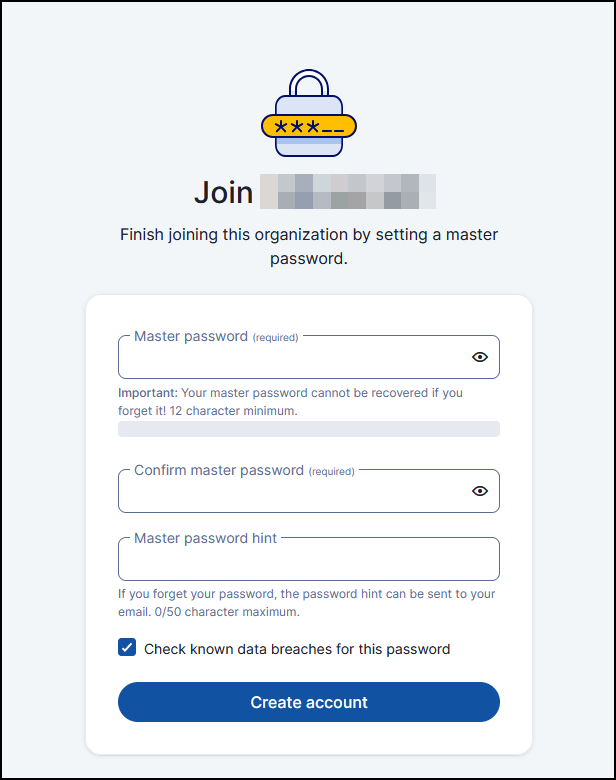
Set the password and click the "Create Account" button.