2. Comfriming Portal Details
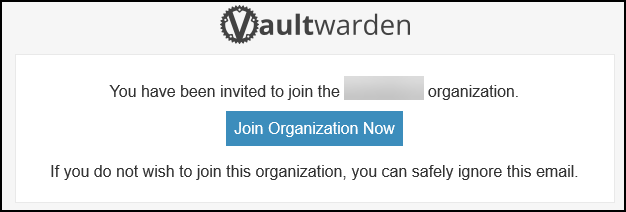
TheOnceEmail you receive theshould confirmationlook email (sent tolike the emailone addressbelow. onIf theyou form),do clicknot receive an email, check your spam or junk folders.
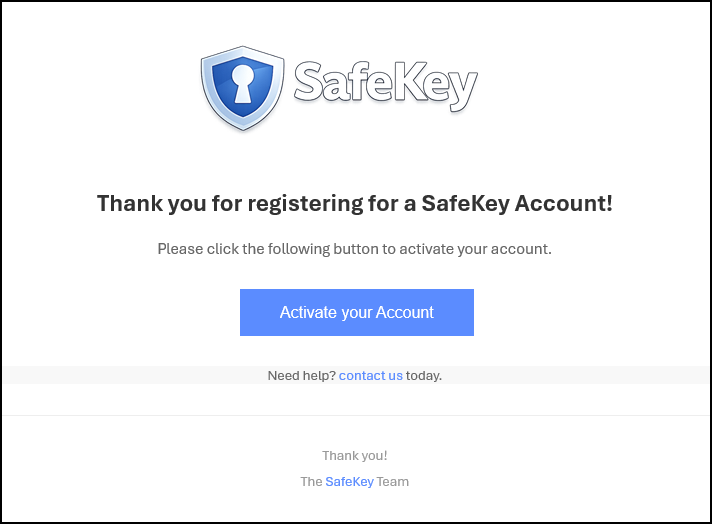
Click the "JoinActivate Organisationyour Now"Account" button to complete the master customer vault configuration.
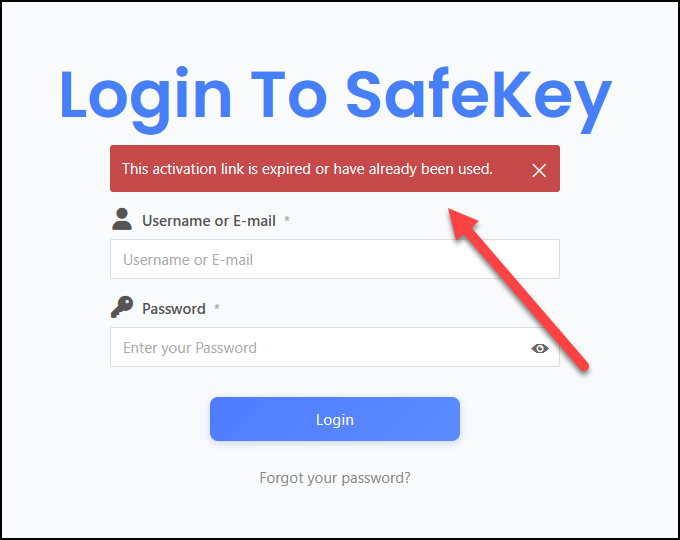
If you see the error below, "This activation link has expired ..." (which is caused by Microsoft's pre-link-checking systems), you should receive a second email and click the same link again.
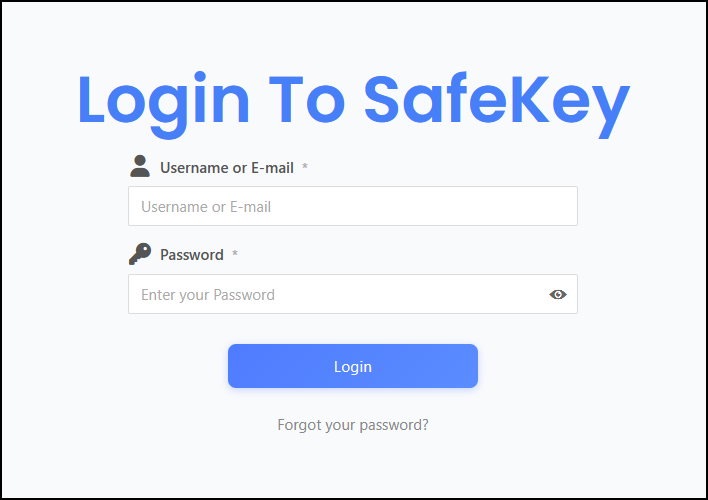
The second email is slightly different and asks you to go directly to the account login page. Clicking the email link takes you to the portal login page.
Log in using the credentials that you have previously submitted.
Create a MASTER Password and a hint for the new vault. Pay careful attention to these details; if they are lost, we CANNOT recover. The vault must be deleted and reinitialised to a fresh vault. This service is highly secure and built so that, even as your supplier, we have NO access to your passwords or accounts. This is why it is critical not to lose the master password.