Setup Sequence
To set up SafeKey, users should understand the steps and the order in which they should be carried out.
Setting up the MASTER VAULT - Only needs to be done in the initial instance
- Set up a Safkey web portal login (https://www.safekey.co.nz/register/)
During this step, you will be asked to provide your details and confirm your email address. You will receive a confirmation to complete access to the website portal. - Once you have logged in, you will be prompted to purchase a SafeKey service license.
At this point, you can nominate how many users the service is needed for. The service is paid for on an annual basis ($36 + GST per user per year), but it can also be added to at any time. We suggest purchasing the required licenses up front to make renewals easier. We handle accounts for corporate customers, which means you are either an existing Logical Solutions customer or you have purchased 50+ users in a single instalment. - When payment is received, your individual password vault deployment will start.
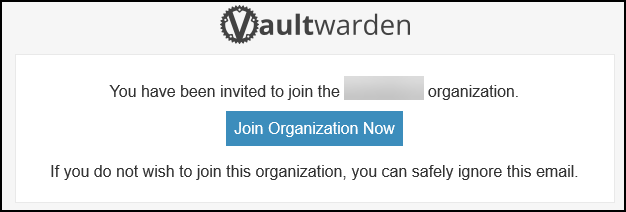
You will see the progress of your deployment as shown on the deployment progress page. Upon completion, you will receive an invite email to configure access to the newly configured password Vault.
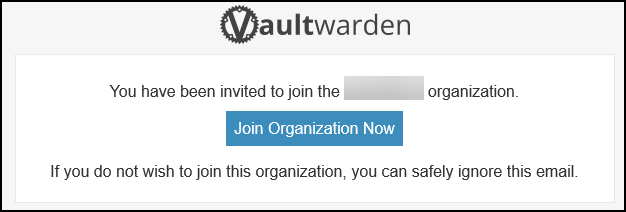
- Click on the "Join Oraganzation Now" button to complete the master customer vault configuration.
Create a MASTER Password and a hint for the new vault. Pay careful attention to these details; if they are lost, we CANNOT recover. The vault must be deleted and reinitialised to a fresh vault. This service is highly secure and built so that, even as your supplier, we have NO access to your passwords or accounts. This is why it is critical not to lose the master password.