1. SafeKey Web Portal Account
It is important to understand that SafeKey has two core web portals.
- SafeKey License Management Portal: This is where you add users and obtain new licenses. Users MUST be added here and fully set up before they can interact with the SafeKey Vault portal.
- SafeKey Vault Portal: This is where users' rights are assigned.
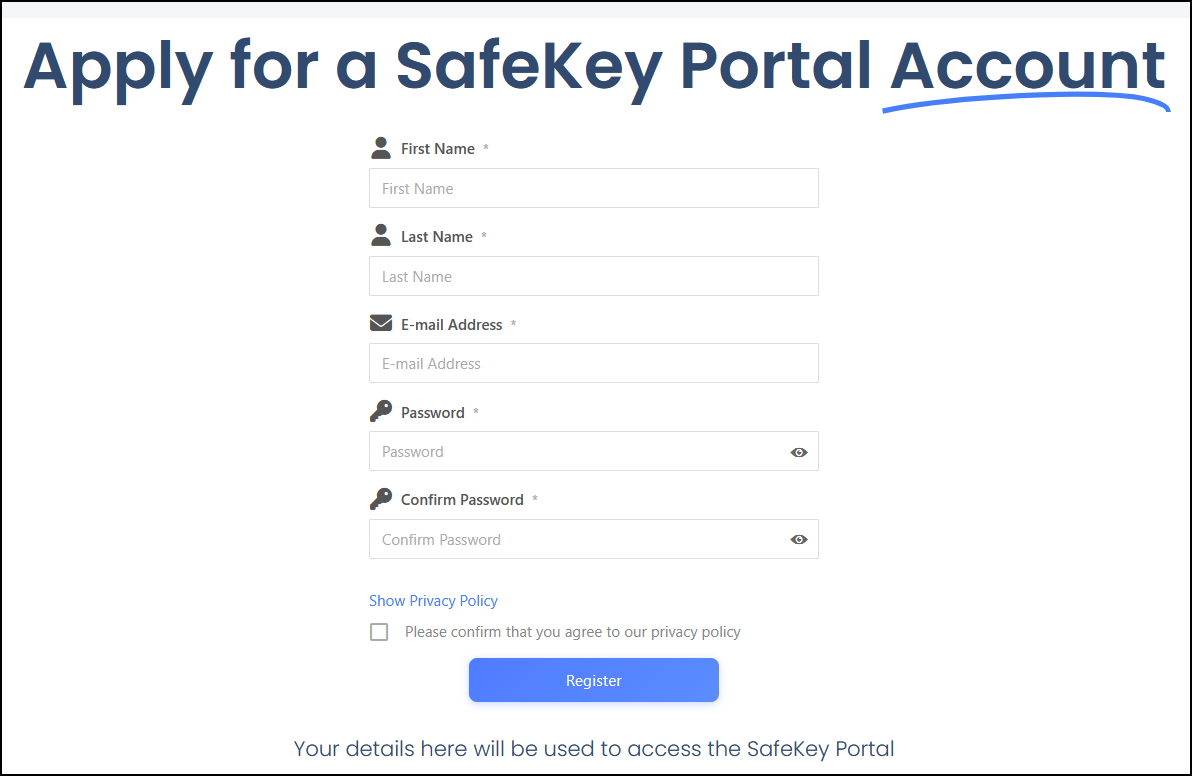
The first step in the process is to set up a Safekey webLicense Management portal login (https://www.safekey.co.nz/register/)
During this step, you will be asked to provide your details and confirm your email address. You will receive a confirmation to complete access to the website portal.
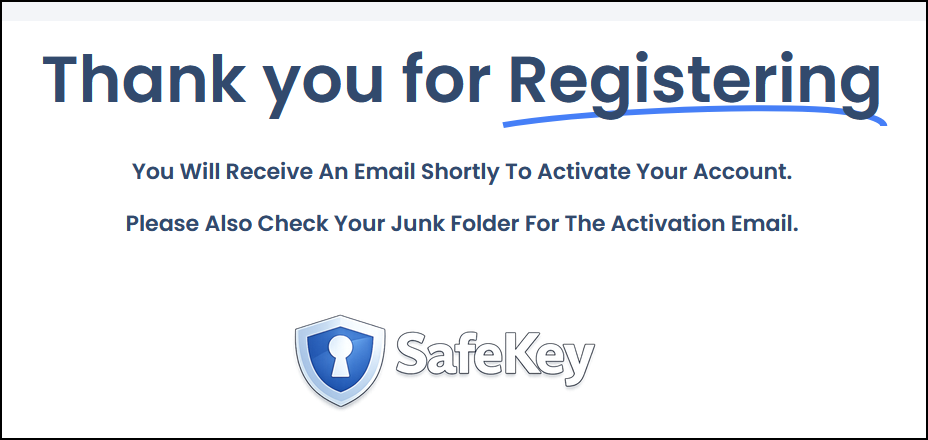
Once you have successfully completed and submitted the form, you will see the following confirmation.